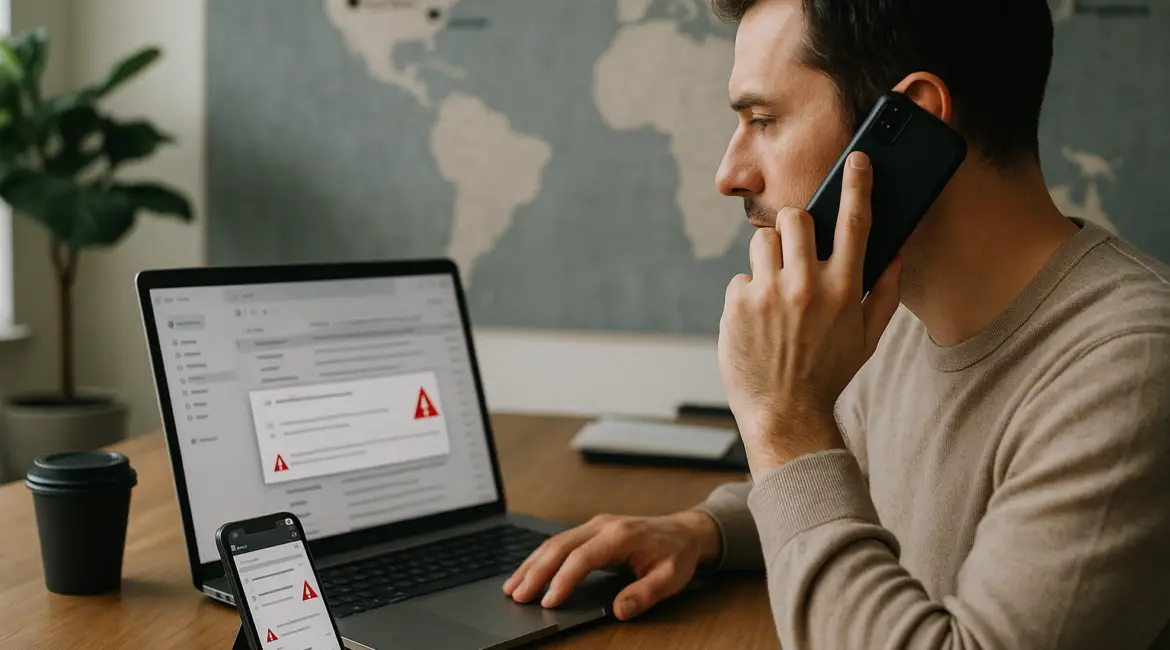
To prevent common email phishing attempts, verify the sender and the request before you click, pay, or share credentials. Most phishing succeeds because it creates urgency and shortcuts normal checks. A few repeatable habits and simple security controls can stop the majority of attacks aimed at inboxes every day.
Why email phishing is still so effective
Phishing works because email is trusted, fast, and widely used across industries, from healthcare in Toronto to logistics in Rotterdam and startups in Austin. Attackers exploit routine workflows like invoice approvals, password resets, shared documents, and HR updates. Modern campaigns are also more convincing, using brand lookalikes, stolen email threads, and carefully timed messages that arrive during busy periods such as quarter-end or tax season.
Common goals include stealing login credentials, diverting payments, installing malware, or collecting personal data. The most damaging versions often target finance teams and executives, sometimes called business email compromise (BEC). While tools help, the strongest defense is consistent human verification combined with basic technical safeguards.
Know the most common phishing patterns
If you can recognize the pattern, you can prevent common email phishing attempts before they move forward.
Credential theft via fake sign-in pages
These emails claim your Microsoft 365, Google Workspace, bank, or delivery account needs immediate action. The link leads to a lookalike login page. Any password entered goes straight to the attacker, who may then attempt MFA fatigue prompts or password resets.
Invoice and payment diversion
Attackers pose as a supplier or internal manager, requesting a wire transfer or updated bank details. This is prevalent in global supply chains, where payments may cross borders between the United States, the United Kingdom, Singapore, and the EU, making confirmation feel time-sensitive.
Malicious attachments and “secure documents”
Attachments may contain malware or prompt you to enable macros. “Secure” documents may link to cloud-hosted files that request credentials. These campaigns often mimic shipping notices, resumes, or scanned documents.
Gift card and payroll scams
Gift card requests target assistants and new employees. Payroll scams try to change direct deposit details or W-2 equivalents. Both rely on authority and urgency, such as “I’m in a meeting, do this now.”
Practical steps to prevent common email phishing attempts
1) Pause and validate the request, not just the sender
Display names can be spoofed, and real accounts can be compromised. Instead of trusting what you see, validate what you are being asked to do. Treat any request involving credentials, money, gift cards, or sensitive files as “verify first.” A 30-second pause is often the difference between a near miss and a breach.
2) Use a trusted verification channel
To prevent common email phishing attempts, confirm high-risk requests using a separate channel. Call a known phone number from your records, not the one in the email. Use an internal chat you initiate, or walk to the requester’s desk if you are onsite. For distributed teams across New York, Dublin, and Bangalore, use a company directory and a pre-agreed process for approvals.
3) Inspect links without clicking
Hover over links on desktop to preview the destination. On mobile, press and hold to reveal the URL. Look for subtle domain tricks like “micros0ft,” extra words, or different top-level domains. If the message claims to be from your IT team, navigate to the service directly by typing the known address or using a bookmark.
4) Treat unexpected attachments as hostile
Do not open unexpected attachments, especially .html, .zip, .iso, or Office files asking you to enable editing or macros. If it is plausibly legitimate, request the document through a safe method like your company’s document portal. When in doubt, forward the message to your security or IT helpdesk for review.
5) Watch for urgency, secrecy, and “out of process” pressure
Many phishing emails push urgency: “account will be closed today,” “final notice,” or “CEO needs this confidentially.” Legitimate teams rarely demand secrecy that bypasses normal approvals. Make “process over pressure” a cultural norm so employees feel safe slowing down.
6) Use multi-factor authentication and phishing-resistant options
MFA reduces the damage if credentials are stolen. The strongest protection comes from phishing-resistant MFA such as FIDO2 security keys or passkeys, which bind authentication to the real site. If you use app-based MFA, be wary of repeated prompts you did not initiate and report them immediately.
7) Keep mail and endpoint protections enabled
Email filtering, attachment scanning, and safe link rewriting can block many attacks before they reach users. Ensure automatic updates are enabled on your operating system and browsers. If your organization uses Microsoft Defender, Google security controls, or a third-party secure email gateway, confirm policies are active for all regions and subsidiaries, not only the headquarters office.
8) Use least privilege and separate accounts for admin work
Attackers love mailbox access because it leads to password resets, lateral movement, and invoice fraud. Reduce impact by limiting permissions and using separate admin accounts that are not used for day-to-day email. Finance systems, HR platforms, and file storage should require additional authentication and role-based approvals.
9) Implement payment and vendor change controls
For businesses, a reliable way to prevent common email phishing attempts from becoming financial loss is to harden payment workflows. Require dual approval for wires, enforce verified vendor onboarding, and mandate a call-back to a known contact for any bank detail changes. Document the process so it works the same in Los Angeles, Chicago, and remote home offices.
10) Report and learn quickly
Create a one-click “Report Phishing” button in your email client or a simple forwarding address like phishing@company.com. Fast reporting helps security teams quarantine messages across mailboxes and tune filters. Share short internal advisories with screenshots so others recognize the same lure.
How to respond if you clicked or entered credentials
Even careful people make mistakes, especially during busy travel weeks, major conferences, or peak retail seasons. If you clicked a suspicious link, disconnect from any VPN if instructed by IT, close the browser tab, and immediately report it. If you entered credentials, change your password from a clean device, revoke active sessions, and review account rules and forwarding settings. For organizations, check mail logs, reset tokens, and monitor for unusual sign-ins by geography or impossible travel patterns.
Phishing prevention for remote and mobile work
Mobile screens hide URLs and encourage quick taps, making it harder to prevent common email phishing attempts. Use a password manager to auto-fill only on legitimate domains, which can act as a built-in warning. Prefer opening sensitive links on a managed device where security tools are installed. If you work from cafes or airports in places like San Francisco, London Heathrow, or Dubai International, avoid logging into critical systems over unknown networks unless you are using a trusted, company-managed solution.
Build an organization-wide anti-phishing culture
Training should be short, frequent, and based on current threats your industry actually sees. Run simulated phishing tests sparingly and use them to coach, not punish. Track practical metrics like reporting rate and time-to-report. When leaders follow verification rules themselves, employees are more likely to slow down and prevent common email phishing attempts without fear of consequences for asking a second question.
Phishing is a people problem and a process problem, not just a technology problem. By combining verification habits, stronger authentication, and clear workflows for money and access requests, you can reduce risk dramatically. Commit to a repeatable playbook, keep it consistent across locations and teams, and you will be well positioned to prevent common email phishing attempts as tactics evolve.
Frequently Asked Questions
What is the quickest way to spot a phishing email?
What is the quickest way to spot a phishing email?
To prevent common email phishing attempts, focus on the request and the destination, not the branding. Check whether the email asks for credentials, payment, or urgent action, then inspect the real sender address and hover to preview links. If anything is unexpected, verify using a known phone number or internal directory.
Is multi-factor authentication enough to stop phishing?
Is multi-factor authentication enough to stop phishing?
MFA helps, but it is not sufficient to prevent common email phishing attempts by itself. Attackers can steal session tokens or bombard users with MFA prompts. Use phishing-resistant methods like security keys or passkeys when possible, and combine MFA with link checking, reporting, and strict approval processes for sensitive actions.
What should a business do to protect payments from phishing?
What should a business do to protect payments from phishing?
To prevent common email phishing attempts that target invoices, require dual approval for wires and a mandatory call-back for any bank detail changes. Use a verified vendor contact list, not email replies, and document the workflow so it is followed across offices and remote staff. Treat “urgent” payment requests as high risk.
What should I do immediately if I entered my password on a fake page?
What should I do immediately if I entered my password on a fake page?
Act fast to prevent common email phishing attempts from escalating: change the password from a trusted device, revoke active sessions, and enable stronger MFA. Check your mailbox for new forwarding rules, deleted messages, and unfamiliar sign-ins. Report the incident to IT or your provider so they can investigate and contain it.
How can remote workers reduce phishing risk on phones?
How can remote workers reduce phishing risk on phones?
To prevent common email phishing attempts on mobile, avoid tapping links directly from email for sensitive logins. Use a password manager that only fills on legitimate domains, and open important links by typing the known address or using bookmarks. If a message feels urgent, verify via a separate channel before acting.