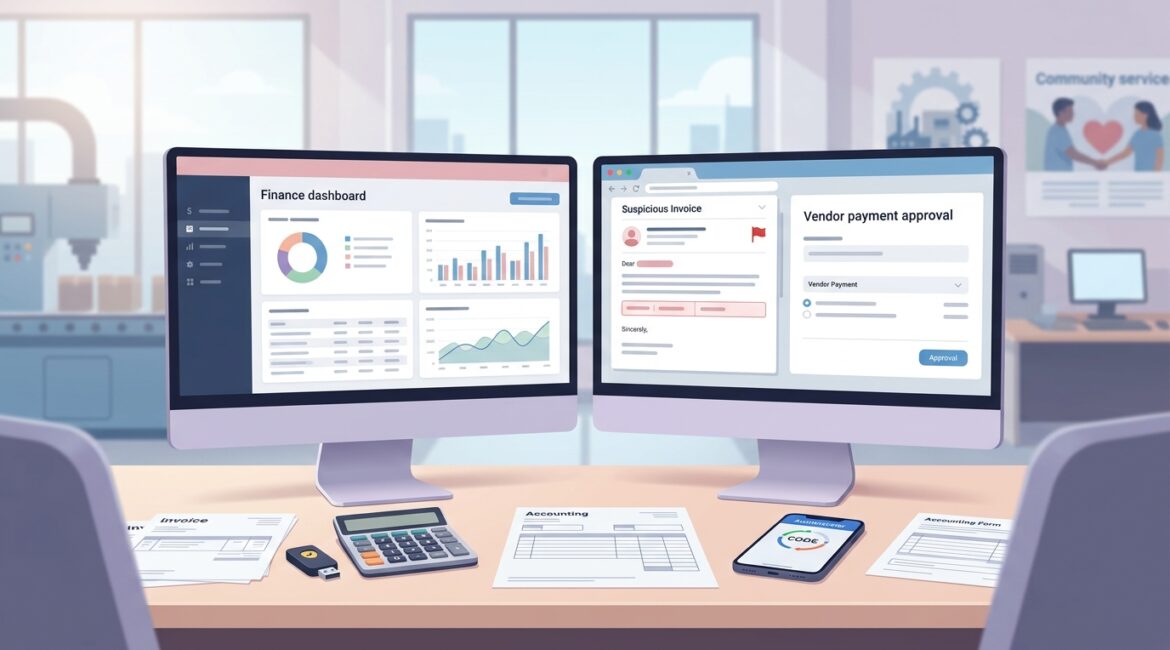
To secure accounting and financial systems, start with the basics done well: limit who can access financial data, require stronger sign-ins, protect email and file sharing, and make sure backups and recovery steps are tested. Most attacks against finance systems do not begin with sophisticated hacking. They usually start with a stolen password, a fake invoice, a phishing email, or a process gap that nobody noticed until money or data was at risk.
If your business relies on QuickBooks, Microsoft Dynamics, Sage, NetSuite, payment portals, payroll platforms, donor databases, or online banking tools, those systems deserve special attention. For manufacturers, nonprofit organizations, and professional service firms across Southeast Wisconsin, Northeast Illinois, and Kenosha, even a short disruption in financial operations can delay payroll, vendor payments, month-end close, and reporting.
Why accounting systems are common targets
Financial systems hold exactly what attackers want: money movement, bank details, tax records, payroll data, vendor information, and sensitive employee or donor records. They also tend to connect with email, cloud storage, approval workflows, and third-party vendors, which creates more ways for problems to spread.
A small manufacturer might have an accounting clerk who receives vendor invoices by email and enters payments into an ERP system. If that employee clicks a fake invoice and their account is compromised, the attacker may gain access to payment history, vendor contacts, and approval emails. A nonprofit could face a similar issue if donor records, grant reporting, and accounting files are all tied to the same cloud account.
The business impact is usually larger than leaders expect
When finance systems are disrupted, the cost is not limited to IT cleanup. The real damage often shows up in delayed operations, staff overtime, missed deadlines, and trust issues with customers, donors, or vendors.
- Payroll delays: If payroll cannot run on time, employee confidence takes a hit immediately.
- Payment fraud: A single fraudulent wire transfer can cost tens of thousands of dollars before the bank can respond.
- Downtime: If your controller, AP team, or outsourced bookkeeper loses access for even one business day, month-end close can slip and reporting decisions get delayed.
- Recovery labor: Internal staff may spend days reconstructing records, resetting access, and verifying transactions.
For a 25-person professional services firm, one day without access to billing and receivables can delay invoicing enough to create a cash flow ripple the following month. For a nonprofit processing year-end donations, downtime during a busy giving period can affect both operations and donor experience.
Start with access control, not software shopping
One of the most effective ways to protect financial systems is to narrow access. Not every employee needs admin rights, full accounting visibility, or the ability to change vendor payment details.
Use role-based access
Give each person access based on their job responsibilities. A payroll specialist may need payroll access but not vendor setup rights. An operations manager may need reporting access but not the ability to release payments.
Require multifactor authentication
If your accounting platform, payroll system, banking portal, or Microsoft 365 account supports multifactor authentication, turn it on. This adds a second verification step, which helps prevent a stolen password from becoming a larger incident.
Review access regularly
People change roles. Vendors come and go. Temporary access often becomes permanent if nobody revisits it. A quarterly review of user access is a practical control, especially for businesses with lean teams.
For organizations using Microsoft 365, identity controls can make a major difference. Our article on Microsoft Entra ID to improve business security explains how stronger sign-in policies can reduce risk without making work harder.
Protect the workflows around the accounting system
The accounting application is only part of the picture. Most finance-related attacks happen in the surrounding workflow, especially email, file sharing, approvals, and vendor communication.
Secure invoice and payment approval processes
Do not rely on a single email message to approve a payment change or wire transfer. Build a simple verification process such as:
- Call a known phone number before changing bank details
- Require a second approver for payments over a set threshold
- Separate vendor setup from payment release authority
- Document who can approve exceptions
These controls are not complicated, but they stop many common fraud attempts.
Use secure email and file sharing
Finance teams regularly send W-9s, tax forms, payroll reports, audit files, and banking documents. Sending sensitive files as regular email attachments creates unnecessary exposure. Secure file portals and encrypted email are often better choices, especially for CPA firms, law offices, and nonprofits handling donor or grant records.
If your team shares sensitive financial information by email, our post on secure email encryption is a helpful next step.
Patch and maintain the systems behind the scenes
Accounting security is not only about the application itself. The workstation used by your controller, the server hosting an ERP module, the browser accessing a banking portal, and the remote access method used by your CPA all matter.
Businesses often assume their software vendor handles everything. In reality, there may be shared responsibility. The vendor may secure the platform, while your business is still responsible for user access, endpoint protection, browser security, device updates, and backup planning.
Focus on these maintenance priorities
- Keep operating systems and browsers updated
- Replace aging devices that no longer receive security updates
- Review remote access tools used by staff and outside vendors
- Standardize approved software and remove unused applications
- Monitor for configuration changes that create security gaps
Configuration drift is a common issue in growing organizations. A system that was set up correctly two years ago may no longer be configured safely today after multiple changes, exceptions, and vendor adjustments.
Backups matter, but recovery matters more
Many leaders feel reassured when they hear the word backup. The better question is whether financial data can actually be restored quickly and accurately when needed.
If ransomware encrypts a file share with accounting exports, or if a staff member accidentally deletes a key folder before audit season, your team needs a tested recovery process. That includes knowing what is backed up, how often, where it is stored, and how long a restore would take.
A good recovery plan for accounting and finance should cover:
- The accounting application and related databases
- Shared folders with financial reports and exports
- Cloud file storage used by finance staff
- Email records tied to approvals or vendor communication
- A written recovery sequence for critical finance operations
For a practical foundation, see our article on secure file storage, which explains how to protect and recover important business files more effectively.
Train employees on the finance-specific scams they actually face
Generic security training is not enough for employees who handle money, payroll, reimbursements, or vendor records. Finance teams need examples that match their daily work.
Common scams to cover
- Fake vendor bank change requests
- Executive impersonation emails asking for urgent payments
- Phishing emails with invoice attachments
- Payroll direct deposit change fraud
- Shared login shortcuts that hide accountability
Training should be short, specific, and repeated. A ten-minute discussion during a staff meeting about recent invoice fraud attempts can be more useful than a long annual training video that employees barely remember.
Do not overlook third-party risk
Your accounting environment may involve a CPA firm, payroll provider, ERP consultant, outsourced bookkeeper, payment processor, or donor management vendor. Each outside relationship can introduce risk if access is not controlled.
Ask a few practical questions:
- Which vendors can access financial systems or data?
- How do they authenticate?
- Do they use named accounts or shared credentials?
- Is their access limited to what they actually need?
- Can you quickly disable access if the relationship changes?
This is especially important for businesses that have grown quickly or changed providers over time. It is common to find old vendor accounts still active long after a project ended.
Build a plan before there is a problem
Strong security for financial systems is usually the result of planning, not panic. Businesses that handle this well treat finance technology as a business risk issue, not just an IT task.
A practical plan often includes:
- An inventory of financial systems, integrations, and data locations
- A review of who has access and why
- Documented approval workflows for payments and changes
- Backup and recovery testing
- Vendor access reviews
- Regular check-ins tied to your budgeting and planning cycle
If you want a structured way to schedule those reviews, our post on building an annual IT planning calendar can help leadership teams make these decisions before they become urgent.
Conclusion
To secure accounting and financial systems, businesses need a mix of better access control, safer processes, reliable recovery, and regular review. The goal is not to make finance work harder. It is to reduce avoidable risk while keeping payroll, payments, reporting, and daily operations moving.
If you’re ready to strengthen your technology, reduce risk, and plan for the future, contact Platinum Systems to schedule a technology strategy discussion. We help organizations make practical security decisions that support long-term operations, not just short-term fixes.