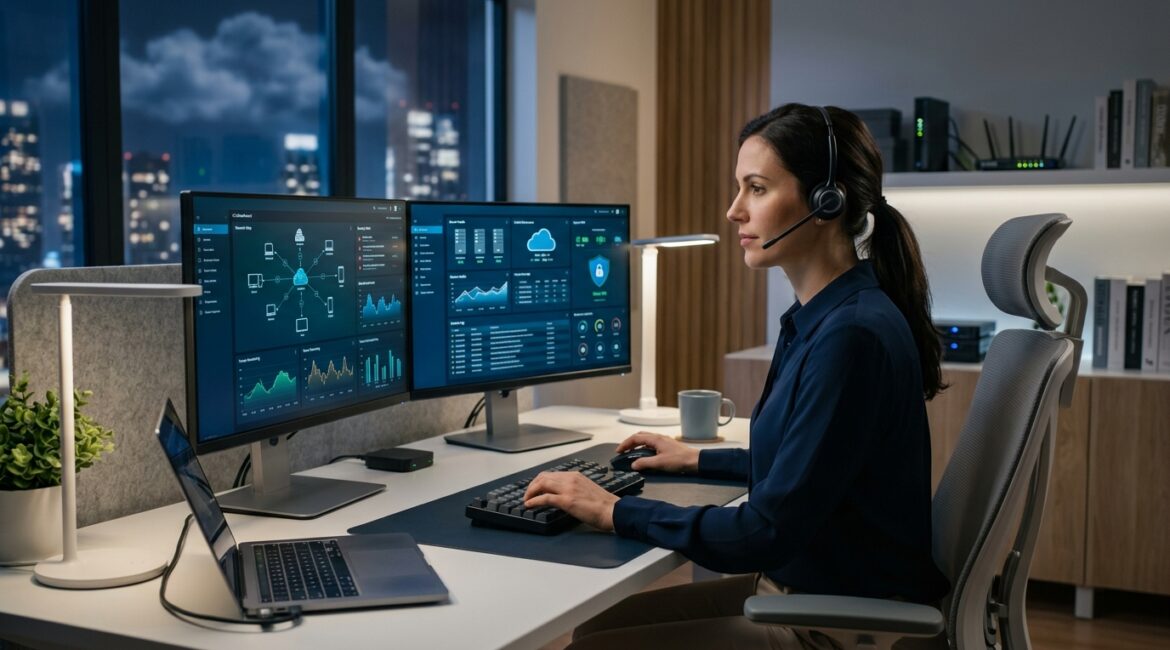
Secure remote administration is the protected way IT staff, managed service providers, or approved vendors connect to your systems from another location to perform support, maintenance, updates, and troubleshooting. It is important because remote access can save hours of downtime and travel, but if it is handled poorly, it can also become one of the easiest ways for attackers to get into a business.
For most organizations, the question is not whether remote administration should exist. The real question is whether it is being controlled well enough to support the business without creating avoidable risk.
What secure remote administration means in plain English
Remote administration simply means managing a computer, server, network, firewall, cloud platform, or software system without being physically in the office. A technician in Kenosha, Milwaukee, or Northeast Illinois can connect to a system and fix a problem, install updates, review logs, or help an employee without driving to the site.
Secure remote administration adds rules and protections around that access. Instead of allowing broad, always-open connections, it limits who can connect, how they connect, what they can do, and how that activity is monitored.
Why businesses rely on remote administration
There is a practical reason remote administration is common. It saves time, reduces support costs, and helps businesses recover faster when something breaks.
- Faster issue resolution: A technician can often solve a problem in minutes instead of waiting for an on-site visit.
- Lower support costs: Remote work reduces travel time and service delays.
- Better uptime: Systems can be patched, monitored, and adjusted after hours or across multiple sites.
- Access to specialized expertise: A manufacturer, nonprofit, or law firm can get support from the right expert even if that person is not local.
For example, if a 25-person accounting firm cannot access a shared application at 8:00 a.m., even one hour of downtime may cost several thousand dollars in lost billable time and delayed client work. Secure remote administration can let support staff diagnose and fix the problem quickly before the day is lost.
The same applies to a manufacturer in Southeast Wisconsin with a production server issue. If remote access allows a technician to restore a failed service in 20 minutes instead of waiting two hours for travel, that difference can protect production schedules, shipping deadlines, and customer commitments.
Why remote administration becomes risky when it is not secured
Remote access is useful, but it can also create a direct path into your environment. If an attacker steals an admin password, compromises a vendor account, or finds an exposed remote access tool, they may be able to move through your systems quickly.
That can lead to:
- Unauthorized access to financial records, donor data, HR files, or client information
- Ransomware spreading through servers and workstations
- Configuration changes that disrupt operations
- Compliance issues and audit problems
- Longer outages because the point of entry was not monitored
Many business owners assume the biggest risk is an employee clicking a bad link. That is still a concern, but poorly controlled administrative access is often more damaging because it can provide higher-level permissions. Once someone gets administrator-level access, they may be able to disable protections, create new accounts, and reach critical systems faster.
What secure remote administration should include
Good remote administration is not one product. It is a set of controls working together.
Strong identity verification
Anyone performing remote administrative work should use strong authentication, ideally with multi-factor authentication and, where appropriate, modern identity controls. If you want a broader view of this topic, Platinum Systems has also covered secure authentication and why passwords alone are not enough.
A password by itself is too easy to steal, reuse, or guess. Administrative access needs a higher standard.
Limited access by role
Not every technician needs access to every system. A copier vendor should not have the same access as your core IT administrator. A help desk technician should not automatically have domain-wide privileges.
Access should be limited based on job responsibility, approved systems, and business need.
Approved tools and methods
Remote administration should happen through approved, documented tools, not ad hoc software installed in a hurry. Consumer-grade remote access apps, shared credentials, and one-off exceptions tend to create blind spots.
Standardization matters here. Consistent tools are easier to secure, monitor, and support over time.
Logging and accountability
You should be able to answer basic questions after the fact:
- Who connected?
- When did they connect?
- What system did they access?
- What actions were taken?
If there is no clear record, it becomes much harder to investigate incidents, resolve disputes, or prove that access was appropriate.
Time-based and approval-based access
Some of the safest remote administration models provide access only when needed. Instead of leaving privileged connections open all the time, access can be approved for a specific task and then removed when the work is done.
This reduces the number of standing opportunities an attacker could exploit.
Secure configuration and maintenance
Even a good remote access platform can become risky if it is misconfigured or left unpatched. That is why secure remote administration should be part of a broader discipline of configuration management, patching, and review. Related practices like secure configuration baseline management help keep those settings consistent over time.
Business examples where secure remote administration matters
Manufacturing
A manufacturer may depend on remote support for servers, inventory systems, plant connectivity, and specialized vendor equipment. If that access is tightly controlled, support is faster and production interruptions are shorter. If it is not controlled, one compromised vendor account could affect operations across the plant.
Nonprofits
Nonprofits often work with lean budgets and small internal teams. Remote administration can give them access to expertise without the cost of full-time, on-site specialists. At the same time, nonprofits handle donor records, payroll, grant data, and board communications that need protection.
For these organizations, the goal is to keep support efficient while avoiding loose access practices that are hard to track.
Professional service firms
Accounting firms, law offices, and engineering firms depend on file access, email, line-of-business applications, and client confidentiality. If a remote admin session is compromised, the impact may include lost productivity, confidentiality concerns, and reputational damage.
In these environments, secure remote administration supports both responsiveness and trust.
Common warning signs your remote administration approach needs work
Many organizations in Southeast Wisconsin and Northeast Illinois already have remote access in place, but not always with enough structure. A few warning signs tend to show up repeatedly:
- Shared administrator accounts are still in use
- Former vendors or past employees may still have access
- Remote access tools were added over time without standardization
- No one reviews admin logs regularly
- Multi-factor authentication is missing on some systems
- There is no clear approval process for vendor access
- Critical systems can be reached remotely from almost anywhere
If several of these apply, the business risk is usually higher than leadership realizes.
How secure remote administration supports long-term business value
This is not only a security issue. It is also an operations and governance issue.
When remote administration is planned well, businesses typically gain:
- Less downtime: Problems are addressed faster and after-hours maintenance becomes easier
- Better cost control: Fewer emergency visits and fewer preventable incidents
- Stronger accountability: Clear records of who accessed what
- Lower risk during vendor relationships: Outside support can be controlled instead of loosely trusted
- Improved resilience: Critical systems are easier to support without relying on one person being physically present
It also fits into broader business continuity planning. If your organization is reviewing how to stay productive during disruptions, it is worth pairing this topic with related planning areas such as secure vendor access and how to build a business that can operate during an IT outage.
What business leaders should ask their IT provider
You do not need to be technical to ask good questions. Start with these:
- How is remote administrative access protected?
- Is multi-factor authentication required for every admin connection?
- Do you use named accounts instead of shared logins?
- How do you limit vendor access?
- Are remote sessions logged and reviewed?
- Can administrative access be turned on only when needed?
- How often are remote access tools and permissions reviewed?
The quality of the answers will tell you a lot about whether your environment is being managed proactively or simply kept running day to day.
Conclusion
Secure remote administration is the controlled way trusted people support your systems from off-site without exposing the business to unnecessary risk. Done well, it reduces downtime, improves service, and gives leadership better control over who can access critical technology.
If you’re ready to strengthen your technology, reduce risk, and plan for the future, contact Platinum Systems to schedule a technology strategy discussion. A practical review of remote access, administrative controls, and vendor access can help you make smarter decisions before a problem forces the issue.