

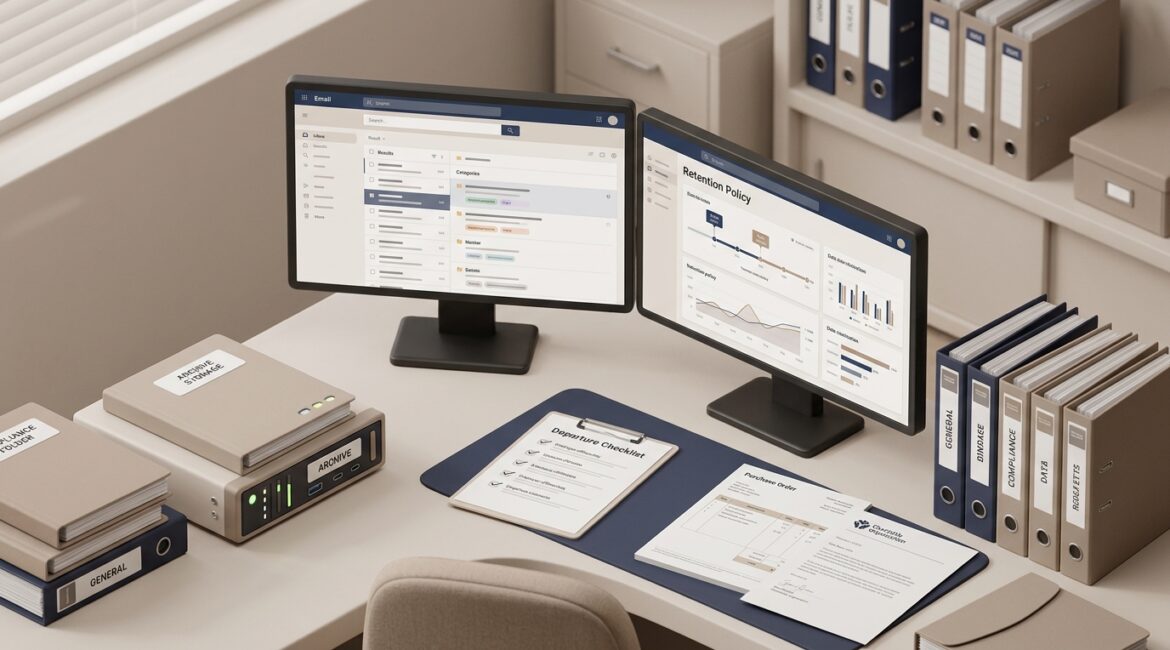
Email archiving is the practice of capturing and storing business email in a separate, secure, searchable system for long-term retention. If your organization needs to keep messages for compliance, legal, HR, client service, or operational reasons, there is a good chance email archiving is worth serious consideration.
Many business leaders assume their Microsoft 365 or Google Workspace mailbox is enough. Sometimes it is. But in many cases, keeping email available inside a user mailbox is not the same as preserving it properly for records, audits, disputes, or employee turnover.
What email archiving actually does
Email archiving automatically copies incoming and outgoing email into a system designed for retention and retrieval. That archive is typically tamper-resistant, searchable, and governed by retention rules that match your business needs.
In plain English, it gives your organization a reliable way to keep important email without depending on an employee to save messages in the right folder or avoid deleting them.
Typical features of an email archive
- Automatic capture of sent and received messages
- Long-term retention based on policy
- Fast search across mailboxes, dates, senders, and keywords
- Protection against accidental or intentional deletion
- Legal hold or preservation for investigations and disputes
- Audit trails showing who accessed or exported records
That is very different from asking staff to drag messages into a folder called Archive. It is also different from a standard backup.
Email archiving vs. email backup
This is where many organizations get tripped up. Backup and archiving are related, but they solve different problems.
Email backup helps you recover
A backup is meant to restore data after loss, corruption, ransomware, or accidental deletion. If a mailbox disappears or messages are wiped out, backup helps you bring them back.
Email archiving helps you retain and find
An archive is meant to preserve records over time and make them easier to search, review, and produce when needed. It supports recordkeeping, compliance, and business continuity.
For example, if a professional services firm needs every message tied to a former client engagement from four years ago, a backup may technically contain that data. But searching multiple restore points to find a few specific emails can be slow, disruptive, and expensive. An archive is built for that exact task.
If you are reviewing your broader data protection strategy, our article on secure file storage is a useful companion because email is only one part of the records your business depends on.
Why businesses choose email archiving
Most organizations do not add an archive because it sounds nice to have. They do it because email becomes a business record, and unmanaged records create risk, wasted time, and unnecessary cost.
1. Compliance and retention requirements
Some industries need to keep communications for a defined period. That can affect financial firms, healthcare organizations, legal practices, manufacturers working with regulated customers, and nonprofits handling grants or donor records.
Even if your business is not heavily regulated, contracts, board communications, HR matters, and client instructions often need to be retained consistently.
2. Legal discovery and dispute support
If your company faces a contract dispute, employment claim, or audit, email often becomes evidence. Without an archive, your team may spend days hunting through old mailboxes, former employee accounts, PST files, or partial backups.
A searchable archive can reduce that effort dramatically. That saves internal labor and can lower outside legal costs.
3. Protection from accidental deletion
People delete things. Sometimes they clean up their inbox too aggressively. Sometimes they leave the company and their mailbox is removed before key messages are preserved.
Archiving reduces dependence on perfect user behavior. That matters for busy operations teams and small administrative staffs.
4. Faster access to historical information
Email often contains approvals, quotes, change requests, shipping details, donor commitments, and vendor decisions. When that information is easy to retrieve, work moves faster.
A manufacturer in Southeast Wisconsin might need to confirm when a customer approved a production change. A nonprofit in Kenosha may need to locate grant correspondence from a prior fiscal year. A CPA firm in Northeast Illinois may need to review client instructions tied to a tax filing. Those are practical business needs, not technical ones.
Signs your business may need email archiving
Not every company needs a dedicated archive on day one. But several signs suggest it is time to evaluate one.
- You must keep email for multiple years
- You have legal, HR, compliance, or audit exposure
- Former employee email is hard to preserve or search
- Your team relies on mailbox folders as a records system
- Finding old messages takes too long
- You have leadership, finance, or donor communications that should not be deleted
- Your business has grown beyond basic consumer-grade email habits
If that last point sounds familiar, it may also help to read how to know when your business has outgrown consumer technology. Email management is often one of the first places growth exposes weak processes.
What can go wrong without it
The risk is not always dramatic. Often it shows up as wasted time, inconsistent retention, and avoidable confusion.
Common problems
- An employee leaves and their mailbox is deleted too soon
- Critical messages live only in one person’s inbox
- Old PST files sit on desktops or file shares with no oversight
- Management cannot respond quickly to an attorney or auditor request
- Staff spend hours searching for one approval chain or attachment
Consider a 40-person professional services firm where three managers spend four hours each searching for historical client correspondence during a dispute. At a blended internal cost of $75 per hour, that is $900 in labor for one search event, before legal review begins. Multiply that by a few incidents per year and the archive starts looking less like an IT add-on and more like an operational control.
Does Microsoft 365 already include this?
Sometimes partly, but the answer depends on your licensing, configuration, retention policies, and business requirements.
Microsoft 365 offers retention, eDiscovery, litigation hold, and archive mailbox features in certain plans. Those tools can be effective when they are designed and managed correctly. The problem is that many businesses assume they are protected simply because the features exist.
That is a risky assumption. Retention settings, user licensing, mailbox lifecycle rules, and access controls all need to be reviewed carefully. This fits into the same kind of planning discussed in our post on building a more resilient Microsoft 365 environment.
How to decide if email archiving is worth the cost
Start with business questions, not product features.
Ask these questions
- How long do we need to keep email, and why?
- Who decides retention rules?
- How often do we need to retrieve older messages?
- What would it cost us to respond slowly to an audit, lawsuit, or donor inquiry?
- Are we relying on individual employees to preserve important records?
- What happens to email when someone leaves the organization?
For many small and midsize organizations, the cost of archiving is predictable and modest compared with the cost of poor retrieval, inconsistent retention, or emergency legal support. The right answer depends on your industry, risk profile, and internal processes.
What good email archiving looks like
A good archiving plan is not just a tool purchase. It is a policy decision supported by the right technology.
Best practices
- Define retention periods by business need
- Coordinate with legal, HR, finance, and leadership
- Document who can search, export, and place holds
- Protect archived data with strong access controls
- Review mailbox lifecycle processes for employee departures
- Test retrieval before you need it urgently
This is also where broader governance matters. If no one owns retention decisions, email archiving can become another half-configured system. Clear ownership and planning make the difference.
So, does your business need email archiving?
If email is part of how your organization approves work, serves clients, manages employees, documents commitments, or meets retention obligations, the answer is often yes. If your business rarely needs historical email and has no meaningful retention or discovery demands, the answer may be no, or not yet.
The key is to decide intentionally. Do not leave record retention to mailbox habits, employee memory, or assumptions about what your cloud platform keeps forever.
Final thoughts
Email archiving is not about collecting more technology. It is about making business communication easier to retain, easier to find, and easier to manage when something important is at stake.
For organizations across Southeast Wisconsin and Northeast Illinois, especially manufacturers, nonprofits, and professional service firms, it can be a practical step toward better continuity, lower risk, and less operational friction. If you’re ready to strengthen your technology, reduce risk, and plan for the future, contact Platinum Systems to schedule a technology strategy discussion.