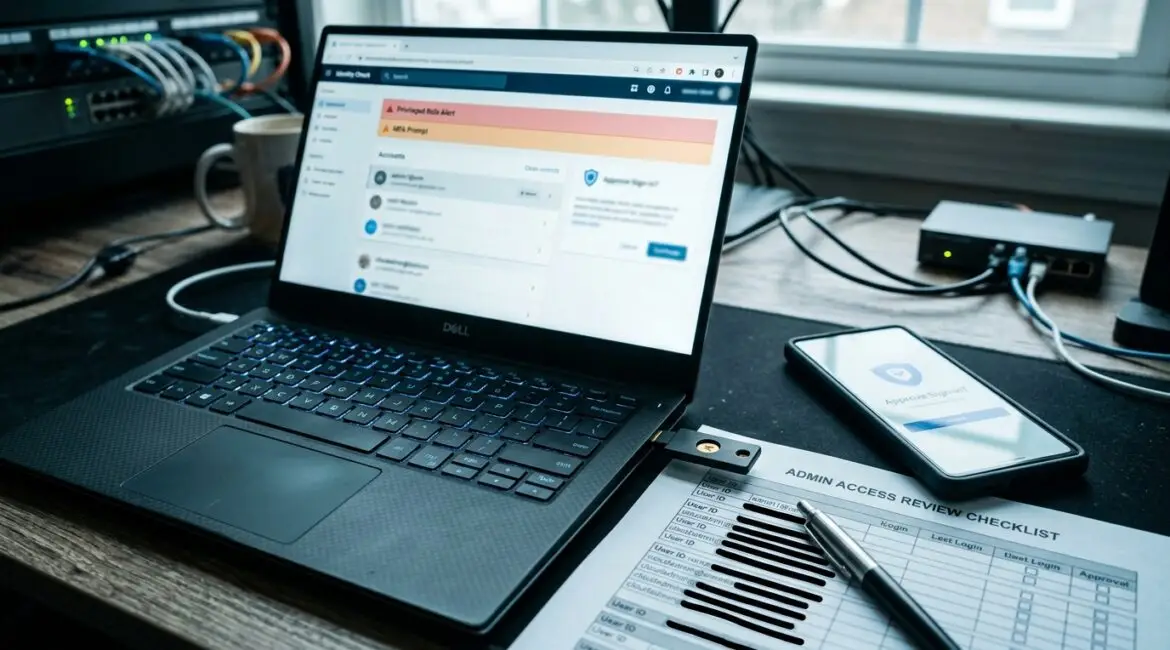
To secure cloud administrator accounts from takeover, start by reducing how many admin accounts exist, require strong multi-factor authentication, and separate day-to-day user activity from administrative work. If an attacker gets control of a cloud admin account, they can reset passwords, change security settings, access sensitive data, and lock your team out of critical systems in minutes.
For many organizations, cloud administrator accounts control Microsoft 365, file storage, email, identity systems, backups, and business applications. That makes them some of the highest-value accounts in your environment, whether you run a manufacturer in Southeast Wisconsin, a nonprofit in Kenosha, or a professional services firm with staff across Northeast Illinois.
Why cloud administrator accounts are a prime target
Administrator accounts hold the keys to the business. They can create users, grant permissions, disable protections, approve new devices, and sometimes erase evidence of malicious activity.
That is why attackers often do not start by trying to break into every system. They focus on one privileged account. If they succeed, they can move faster and cause wider disruption with less effort.
A compromised admin account can lead to:
- Email account takeovers and wire fraud attempts
- Unauthorized access to HR, finance, donor, or client data
- File encryption, deletion, or sharing changes
- New hidden admin accounts created for persistence
- Security tools being disabled or bypassed
- Business downtime while access is restored
For example, if a 40-person accounting firm loses access to Microsoft 365 for even half a day during tax season, the cost is not only IT recovery time. It can also mean missed client deadlines, delayed billing, and staff sitting idle. For a nonprofit, a takeover could expose donor records and interrupt fundraising communications. For a manufacturer, it could delay purchasing, production scheduling, or vendor coordination.
Use fewer admin accounts and give less access
The first step is simple. Fewer administrator accounts mean fewer opportunities for compromise.
Many businesses have more admin rights assigned than they realize. An owner, office manager, outside consultant, former IT provider, and internal power user may all have elevated access. Over time, those permissions accumulate and are rarely reviewed.
What to do
- Identify every account with administrative privileges
- Remove admin rights that are no longer necessary
- Assign the lowest level of access needed for each role
- Review privileged access on a set schedule, such as quarterly
- Disable or remove dormant admin accounts immediately
This is where governance matters. If you have not reviewed account ownership and privilege levels recently, an IT health check can uncover risky access that has been sitting in place for years.
Separate administrator accounts from everyday user accounts
One of the most common mistakes is using the same account for email, web browsing, Teams, and administrator tasks. That creates unnecessary risk. If the account is exposed through phishing, a bad browser extension, or a stolen session token, the attacker may gain admin-level control right away.
A better approach is to give each administrator a separate account used only for privileged work. Their normal user account handles routine activity. Their admin account is reserved for specific administrative changes.
Why this matters
- It reduces exposure to phishing and browser-based threats
- It makes suspicious admin activity easier to spot
- It limits the damage if a regular user account is compromised
- It supports better logging and accountability
This approach is especially helpful for organizations with outsourced IT, multiple departments, or compliance obligations. It also fits well with the broader principles in secure remote administration, where elevated access should be controlled, limited, and monitored.
Require phishing-resistant authentication
Passwords alone are not enough for administrator accounts. Basic multi-factor authentication is better than nothing, but not all MFA methods offer the same protection. Text messages and app prompts can still be tricked or intercepted in some scenarios.
For cloud admins, the goal should be phishing-resistant authentication whenever practical. That may include hardware security keys, passkeys, or strong device-based authentication tied to managed systems.
Priority sign-in controls
- Require MFA for every administrator account with no exceptions
- Prefer phishing-resistant methods over text codes
- Block legacy authentication that bypasses modern protections
- Restrict admin sign-ins to approved devices or trusted locations when possible
- Set alerts for repeated failed sign-in attempts or unusual login behavior
If your organization uses Microsoft 365, tools such as Microsoft Entra ID can help enforce stronger sign-in rules and conditional access. Platinum Systems often helps businesses align those controls with real operations so security improves without making staff less productive.
Protect the admin workstation, not just the account
Even a well-protected account can be put at risk if it is used from an unmanaged or compromised device. That is why secure cloud administration should include hardened workstations for privileged tasks.
In plain English, the computer used for admin work should be tightly controlled, fully patched, monitored, and used for as little else as possible.
Practical protections
- Use company-managed devices only for admin access
- Keep operating systems, browsers, and security tools current
- Limit local administrator rights on those devices
- Use application controls to reduce unauthorized software
- Review browser extensions and remove unnecessary ones
This is also a good reminder that account security and endpoint security work together. If your environment has drifted over time, inconsistent settings can quietly weaken protections. That is one reason many organizations review configuration drift as part of broader security planning.
Monitor administrator activity and alert on high-risk changes
Prevention matters, but visibility matters too. If an attacker gets in, the business needs a fast way to detect unusual behavior.
Cloud platforms can log important events such as password resets, MFA changes, mailbox permission changes, new admin role assignments, and sign-ins from unexpected locations. Those logs should not sit unused.
Watch for these events
- A new global or tenant administrator being created
- MFA being disabled or changed on privileged accounts
- Password resets for executives or finance staff
- Unusual sign-ins from new countries, devices, or IP addresses
- Bulk file downloads or forwarding rules added to email
For a business with a lean internal team, automated alerting can make the difference between a 15-minute response and a two-day cleanup. That gap affects cost. A short containment effort may involve a few hours of IT time. A prolonged takeover can trigger legal review, client notifications, lost productivity, and recovery work that runs into the thousands or tens of thousands of dollars.
Use emergency access accounts carefully
Most organizations should maintain a small number of emergency access accounts, sometimes called break-glass accounts. These are meant for rare situations, such as an identity provider outage or a lockout affecting normal admin accounts.
However, these accounts must be tightly protected because they often have extensive privileges.
Best practices for emergency accounts
- Keep the number extremely limited
- Use long, unique credentials stored securely
- Exclude them from daily use
- Monitor every sign-in attempt
- Test the process periodically so access works when needed
Think of these accounts like a fire extinguisher. You need them available, but you do not want people using them for routine work.
Review shared access, vendors, and old relationships
Admin risk often comes from old access that no one remembers. A former IT vendor may still have tenant-level rights. A shared admin login may still be used by multiple people. A department manager may have elevated permissions left over from a software rollout two years ago.
These issues are common in growing businesses and nonprofits because responsibilities shift quickly while access reviews lag behind.
Questions to ask
- Does every admin account belong to a current approved person or provider?
- Are any privileged accounts shared by multiple users?
- Do outside vendors have only the access they need?
- Is there documentation showing who owns each critical account?
Platinum Systems often finds that cleaning up old administrative access is one of the fastest ways to reduce risk without a major technology overhaul.
Make cloud admin security part of business planning
Securing privileged access should not be treated as a one-time technical project. It belongs in regular business planning, budgeting, and risk review.
For example, if your company is adding locations in Northeast Illinois, onboarding new vendors, or expanding remote work, admin controls should be reviewed before those changes create gaps. The same is true if you are moving to more cloud applications or relying more heavily on Microsoft 365. Articles like how to build a more resilient Microsoft 365 environment and how to build an annual IT planning calendar for your business can help frame that work in a practical way.
A strong plan usually includes:
- Documented ownership of privileged accounts
- Quarterly access reviews
- Approved authentication standards
- Monitoring and alerting for key admin events
- Emergency access procedures
- Regular testing and policy updates
Conclusion
Cloud administrator accounts deserve more protection than standard user logins because the business impact of a takeover is far greater. With fewer admin accounts, stronger authentication, separate privileged identities, protected devices, and better monitoring, most organizations can reduce risk significantly without making daily work harder.
If you are ready to strengthen your technology, reduce risk, and plan for the future, contact Platinum Systems to schedule a technology strategy discussion. A practical review of privileged access today can prevent costly downtime and confusion later.