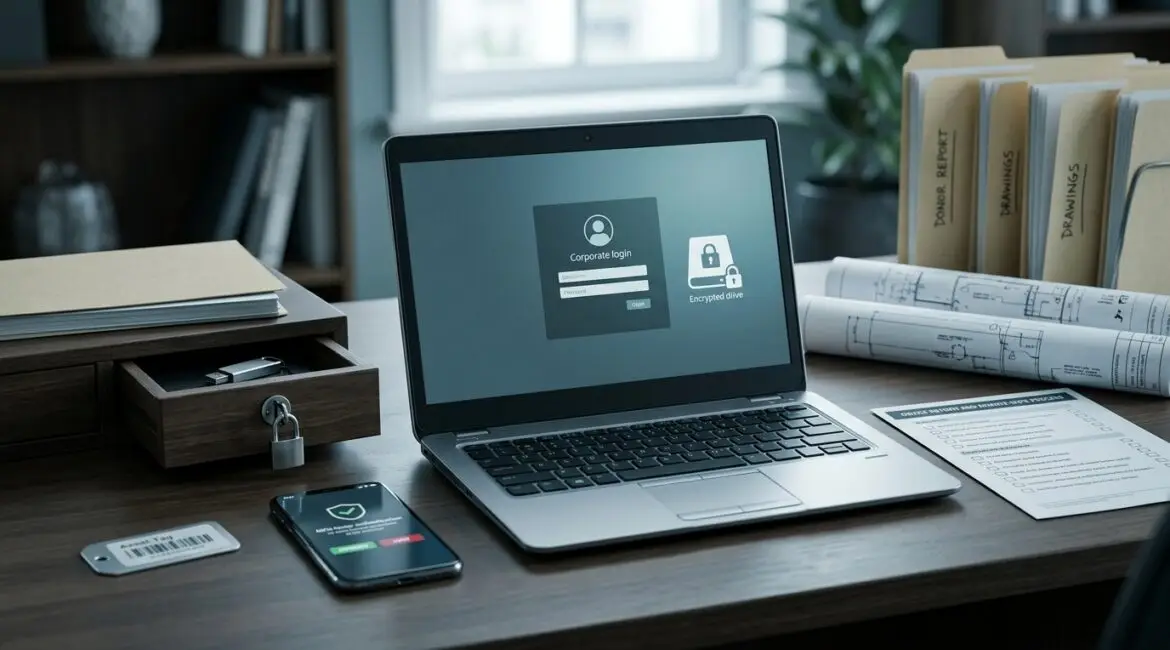
Businesses should protect sensitive data on employee laptops by combining full-disk encryption, multi-factor authentication, device management, patching, secure backups, and clear employee rules. Just as important, they should avoid storing more sensitive data on laptops than the job actually requires.
If a laptop is lost, stolen, or infected with malware, the real business problem is not the hardware. It is the client records, financial files, donor information, contracts, email, and saved logins that may go with it.
Why employee laptops create a real business risk
Laptops travel. They go home, into hotels, onto job sites, into coffee shops, and between offices. That mobility helps productivity, but it also creates more chances for theft, accidental exposure, and inconsistent security settings.
For a manufacturer in Southeast Wisconsin, one laptop may contain vendor pricing, CAD files, and production spreadsheets. For a nonprofit in Kenosha, it may hold donor records and grant documents. For a law or accounting firm in Northeast Illinois, it may include tax returns, contracts, or client communications. In each case, a single device can expose far more than its replacement cost.
Start with the simplest rule: keep less sensitive data on the laptop
The safest laptop data is the data that is not stored there in the first place. Many businesses still let employees save important files to the desktop, downloads folder, or random local folders. That creates unnecessary risk and makes backup harder.
A better approach is to keep working files in approved cloud platforms or secure file systems with access controls and backup policies. Laptops should be a way to access business data, not the main place where it lives.
If your team needs a better structure for this, see secure file storage best practices. It helps reduce both security risk and day-to-day confusion.
Use full-disk encryption on every business laptop
Encryption converts the data on a laptop into unreadable information unless an authorized user signs in properly. If a laptop is stolen from a vehicle or left behind at an airport, encryption can be the difference between a hardware loss and a reportable data incident.
For most businesses, full-disk encryption should be standard on every company-managed laptop. This includes Windows and Mac devices. It should be enabled, monitored, and documented centrally rather than left to each employee to manage alone.
What encryption does well
- Protects data if the laptop is lost or stolen
- Reduces exposure from unauthorized physical access
- Supports compliance expectations in many industries
What encryption does not do
- It does not stop phishing
- It does not replace backups
- It does not protect data if an attacker logs in with valid credentials
Require strong sign-in controls
A laptop should never rely on a simple password alone, especially if it gives access to Microsoft 365, financial applications, CRM systems, or cloud storage. Strong sign-in controls reduce the chance that stolen passwords turn into a larger breach.
At a minimum, businesses should require:
- Multi-factor authentication for business accounts
- Long, unique passwords or passwordless sign-in where appropriate
- Automatic screen lock after a short period of inactivity
- No shared user accounts on laptops
This matters in practical terms. If an employee reuses a password from a compromised website and that same password works for company email, an attacker may gain access without ever touching the laptop itself.
Manage laptops centrally, not one by one
One of the biggest mistakes small and midsize businesses make is treating laptops as individual devices instead of managed business assets. When each device is configured differently, security gaps appear quickly.
Centralized device management allows your IT team or MSP to enforce standard settings, deploy updates, verify encryption, remove unauthorized software, and wipe a device remotely if needed. It also helps prevent the kind of inconsistency described in our article on configuration drift, where devices slowly move away from approved settings over time.
For leadership, this is not just an IT convenience. It is a cost control measure. Standardized laptops usually generate fewer support tickets, less downtime, and fewer emergency fixes.
Keep operating systems and software patched
Many laptop-related incidents start with old software. An unpatched browser, PDF reader, VPN client, or operating system can give attackers an easy way in.
Businesses should have a defined patching process for:
- Operating systems
- Browsers
- Productivity software
- Security tools
- Remote access tools
Consider the cost of delay. If a 25-person professional services firm has three employees unable to work for half a day because malware spread through an unpatched laptop, the labor loss alone can easily exceed the monthly cost of managed patching. That does not include cleanup time, client communication, or reputational damage.
Control which applications can run
Not every employee should be able to install anything they want. Unapproved browser extensions, file-sharing apps, remote access tools, and freeware utilities often create hidden risk.
Businesses can reduce exposure by:
- Removing local administrator rights for most users
- Maintaining an approved software list
- Using application controls for higher-risk roles
- Reviewing browser extensions and plugins regularly
This is especially useful for finance teams, HR staff, executives, and anyone handling regulated or confidential information.
Back up business data and plan for device loss
Laptop protection is not complete without recovery planning. Devices fail, get stolen, and sometimes need to be wiped quickly. If key files exist only on one laptop, the business is exposed to both security risk and downtime.
Good planning includes:
- Automatic backup of approved business data
- Cloud synchronization with version history where appropriate
- Documented remote wipe procedures
- Spare device planning for critical employees
For example, if a sales manager loses a laptop before a major client meeting, a replacement device with the right apps, files, and settings can mean the difference between a minor inconvenience and a missed revenue opportunity.
Protect data when employees work remotely
Remote and hybrid work change the risk picture. Home networks, public Wi-Fi, and personal devices can all affect laptop security.
Businesses should set practical rules for remote use:
- Use company-managed laptops for business work
- Avoid saving files to personal devices or USB drives
- Use secure remote access methods
- Require VPN or other approved protections when appropriate
- Train employees to report lost devices immediately
These rules do not need to be complicated. They just need to be clear, enforced, and supported by the right tools.
Train employees on the risks that actually affect laptops
Most employees do not need a technical lecture. They need clear examples of what can go wrong and what to do differently.
Useful laptop-focused training should cover:
- How phishing emails steal passwords
- Why public Wi-Fi and personal file sharing are risky
- What to do if a laptop is lost or stolen
- How to recognize suspicious software prompts
- Why business data should stay in approved systems
Training works best when it matches real workflows. A nonprofit program manager, a manufacturing estimator, and a CPA will not all face the same risks in the same way.
Create a laptop protection standard, not a collection of one-off fixes
Many businesses already have some of these controls, but they were added over time without an overall plan. That usually leads to gaps. One laptop is encrypted, another is not. One executive has local admin rights, another does not. One department stores files correctly, another keeps everything on the desktop.
A written laptop protection standard should define:
- Who receives which type of device
- What security settings are required
- Where files should be stored
- How access is approved and removed
- What happens when a device is lost, replaced, or retired
This is where proactive planning matters. Articles like device lifecycle planning and annual IT planning can help leadership treat laptops as part of a broader business strategy rather than a series of emergency purchases.
What business leaders should ask right now
If you are responsible for risk, budget, or operations, ask a few direct questions:
- Do we know which laptops store or access sensitive data?
- Are all company laptops encrypted and centrally managed?
- Can we remotely lock or wipe a lost device?
- Are employees storing files locally when they should not?
- Do we have a standard replacement and retirement process?
If the answers are unclear, that is a planning issue worth addressing before a problem forces the conversation.
Conclusion
To protect sensitive data on employee laptops, businesses need a practical mix of encryption, strong identity controls, centralized management, secure storage, backups, and employee guidance. The goal is not to make laptops harder to use. It is to reduce the chance that one lost device or one bad click turns into downtime, expense, and avoidable exposure.
If you’re ready to strengthen your technology, reduce risk, and plan for the future, contact Platinum Systems to schedule a technology strategy discussion.