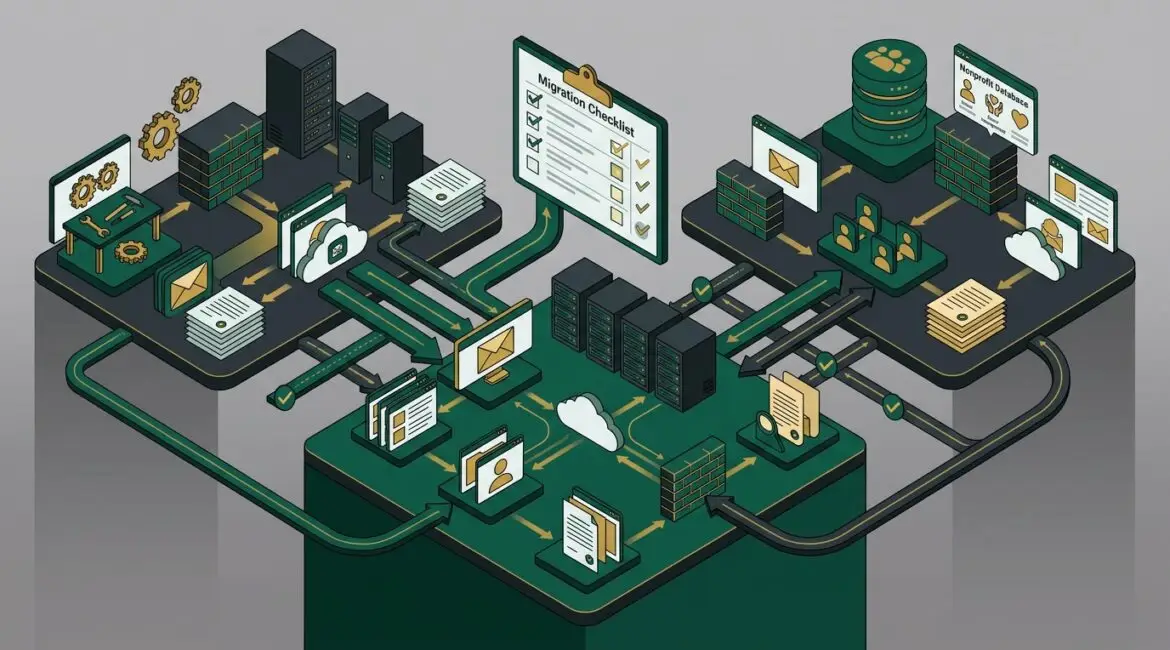
To plan IT for a merger or acquisition, start before the deal closes if possible. You need a clear picture of both companies’ systems, data, vendors, security controls, and business processes so you can decide what to keep, what to replace, and how to avoid downtime, confusion, and unnecessary cost.
Many organizations treat IT as a cleanup task after the paperwork is signed. That usually leads to duplicate software, access problems, missed security risks, and frustrated employees. A better approach is to make technology part of the transaction plan from the beginning.
Why IT planning matters during a merger or acquisition
When two organizations come together, their technology rarely fits neatly. One company may use Microsoft 365, the other Google Workspace. One may have strong security controls and documented processes, while the other relies on shared passwords, aging servers, and informal workarounds.
If you wait too long to sort that out, the business pays for it in lost productivity. A professional services firm with 40 employees can lose thousands of dollars in billable time if email access, file permissions, or line-of-business applications are disrupted for even one business day.
For manufacturers, the stakes can be even higher. If an acquired facility in Southeast Wisconsin cannot access production systems, inventory data, or shipping tools for half a day, delays can affect orders, customer commitments, and labor efficiency.
Start with business goals, not just systems
Before anyone migrates email or replaces hardware, define what the deal is supposed to accomplish. Are you absorbing a smaller company fully? Keeping it as a separate brand? Combining operations across Kenosha, Northeast Illinois, or multiple offices? Your IT plan should support the business model, not the other way around.
Ask leadership a few direct questions:
- Will employees operate as one company or as separate business units?
- Which locations need to share systems immediately?
- What customer, donor, financial, or operational data must move first?
- Are there compliance obligations that affect data handling?
- What is the target timeline for integration?
Those answers shape every technical decision that follows.
Build a complete inventory of both environments
You cannot merge what you cannot see. One of the first steps is a structured inventory of each company’s technology environment. This should include far more than laptops and servers.
What to inventory
- Business applications and subscriptions
- Email platforms and domains
- File storage systems and shared drives
- Network equipment, internet providers, and firewalls
- Workstations, mobile devices, and specialty equipment
- Backups and recovery processes
- User accounts, admin accounts, and access methods
- Vendors, support contracts, and software renewals
- Compliance requirements and cyber insurance obligations
This is where strong documentation saves time. If one side has poor records, an IT health check can quickly uncover gaps that would otherwise slow the integration effort.
For nonprofits, this step often reveals donor databases, grant reporting tools, volunteer systems, and file-sharing practices that are critical to daily operations but may not be well documented. Missing one of those systems can create reporting delays and compliance headaches.
Identify the systems that cannot go down
Not every system has the same business value. Your accounting platform, production scheduling software, case management system, or client document repository may be far more important than a lower-priority app that only a few people use.
Create a short list of business-critical systems and rank them by impact:
- What stops revenue if it fails?
- What stops employees from doing their jobs?
- What affects customers, patients, donors, or vendors directly?
- What has legal, compliance, or contractual importance?
This helps you avoid a common mistake: spending time on easy technical tasks while ignoring the systems that carry the most business risk.
Review security before connecting environments
One of the biggest merger mistakes is linking networks or sharing accounts before checking security conditions on both sides. If the acquired company has weak password practices, outdated devices, unsupported software, or poor access controls, those risks can spread quickly.
At minimum, review:
- Multi-factor authentication status
- Administrator account usage
- Endpoint protection and patching
- Backup reliability
- Remote access methods
- Email security and phishing controls
- Vendor access to systems
If one company has a much lower security standard, do not assume you can fix it later without consequences. Even something as simple as inherited shared accounts can create audit issues and increase the chance of unauthorized access.
This is also a good time to review identity controls. If you are standardizing on Microsoft 365, posts like how to use Microsoft Entra ID to improve business security can help frame what stronger access management should look like.
Decide what will be standardized
Most mergers create overlap. Two help desk tools. Two backup products. Three file-sharing platforms. Four ways to manage user accounts. Keeping all of it usually increases cost and support complexity.
Standardization should focus on practical business value:
- Reduce training time for employees
- Lower support costs
- Improve security consistency
- Simplify vendor management
- Make reporting and compliance easier
For example, if both firms use different file storage tools, moving to one secure platform may reduce confusion and limit the risk of files being stored in the wrong place. If both companies have separate device standards, aligning them can reduce support tickets and make replacement planning easier.
Platinum Systems often advises clients to avoid carrying forward unnecessary complexity. If you want a useful framework for that, see how to build an IT environment that is easier to manage.
Create a phased integration plan
Trying to merge everything at once is risky. A phased plan gives leadership clearer milestones and gives employees time to adapt.
A practical sequence often looks like this
- Stabilize security and secure admin access
- Document systems, vendors, and dependencies
- Consolidate identity and user account management
- Align email, file access, and collaboration tools
- Review and migrate line-of-business applications
- Retire duplicate tools and old infrastructure
Each phase should include ownership, timing, rollback options, and user communication. If a file migration fails on Friday afternoon and no one knows who approves the next step, the problem becomes operational, not technical.
Budget for hidden costs and temporary overlap
Many deals underestimate IT integration cost because they only count new purchases. In reality, there are often temporary expenses during the transition:
- Paying for duplicate software licenses for 30 to 90 days
- Replacing unsupported firewalls or servers
- Upgrading internet connectivity between sites
- Adding security tools to bring the acquired company up to standard
- Paying consultants or internal staff for migration work
A 25-person acquisition might require several thousand dollars in short-term licensing and project labor just to consolidate email, secure endpoints, and standardize access. That cost is usually far lower than the cost of a rushed migration that causes downtime, billing delays, or a security incident.
Plan for people, not just platforms
Employees feel the effects of technology changes immediately. New logins, new file locations, new printers, new approval processes, and new collaboration tools can slow work if the transition is poorly managed.
Give employees simple guidance:
- What is changing
- When it is changing
- What they need to do
- Who to contact for help
This matters in every industry. A law firm needs attorneys to access matter files without delay. A nonprofit needs staff to continue donor communication. A manufacturer needs production and shipping teams to keep moving. Good communication reduces support calls and protects productivity.
Do not forget contracts, compliance, and data retention
Technology planning during an acquisition is also about governance. Review software agreements, data retention policies, cyber insurance requirements, and any industry-specific rules that apply to both organizations.
For example, a nonprofit may have grant-related record retention requirements. A professional services firm may have client confidentiality obligations. A manufacturer may depend on vendor portals and ERP integrations that cannot be interrupted without planning.
These details often shape the timeline more than the hardware does.
What good merger IT planning looks like
A successful IT integration does not mean every system changes immediately. It means leadership knows the current state, understands the risks, has a realistic roadmap, and makes decisions that support the business for the long term.
That usually includes:
- A clear inventory of both environments
- Documented critical systems and dependencies
- Security gaps identified early
- A phased migration roadmap
- Budget estimates with contingency room
- Communication plans for employees and vendors
If your organization is preparing for a merger or acquisition in Southeast Wisconsin or Northeast Illinois, early planning can prevent expensive surprises and keep the transaction from creating avoidable disruption.
Conclusion
Mergers and acquisitions move quickly, but IT decisions made in a rush often create long-term problems. A practical plan helps you reduce downtime, control cost, protect data, and give your team a smoother transition.
If you’re ready to strengthen your technology, reduce risk, and plan for the future, contact Platinum Systems to schedule a technology strategy discussion. We can help you evaluate your environment, identify integration priorities, and build a plan that supports the business you are creating.